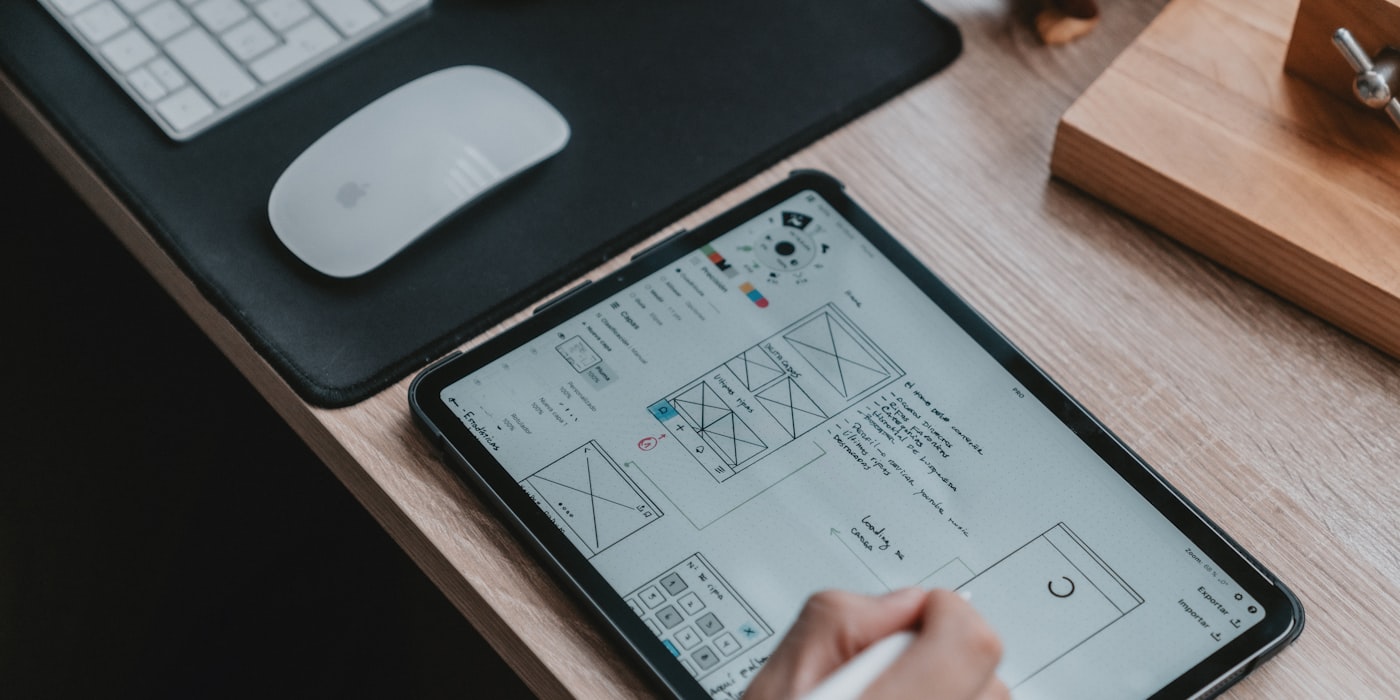
You can build the backend. You can wire up authentication, connect a database, and deploy to production. But the moment you open a blank canvas and try to make it look good, something goes wrong. The buttons are the wrong size. The colors clash. Everything feels off, but you can't explain why.
This is the reality for most developers and technical founders. You have the skills to build the product but not the eye to make it presentable. And in 2026, users judge your product in the first three seconds.
The good news: AI tools have made "good enough" design genuinely achievable without a designer. The bad news: you still need a strategy. Throwing prompts at random tools won't save you.
Three Strategies That Actually Work
There isn't one right approach. The best strategy depends on how much control you need and how fast you need to ship.
Strategy 1: Use an Opinionated Builder
Tools like Lovable and Bolt.new generate complete applications with built-in design systems. You describe what you want, and the output already has consistent spacing, a coherent color palette, and reasonable typography. You never touch CSS.
This works because these tools enforce design constraints by default. You can't accidentally use fourteen different font sizes because the tool doesn't let you. The design won't win awards, but it won't embarrass you either.
Best for: MVPs, idea validation, internal tools, anything where shipping fast matters more than a unique visual identity.
Strategy 2: Design the Mockup First, Then Build
If you want more control over how things look before you write code, AI design tools let you generate and iterate on mockups quickly. Galileo AI generates UI designs from text prompts. Uizard turns rough sketches and screenshots into editable designs. Visily sits in a similar space, letting non-designers create wireframes and high-fidelity mockups without knowing Figma.
You iterate on the design until it feels right, then hand it off to a builder or code it yourself.
Best for: Products where the interface is the product — consumer apps, marketplaces, anything user-facing where first impressions drive retention.
Strategy 3: Generate Components With Good Defaults
v0 by Vercel generates individual UI components from descriptions. You get production-ready React code built on top of well-designed component libraries. Instead of designing a whole app, you build it piece by piece — a pricing table here, a dashboard layout there — and each piece comes with sensible design defaults.
Framer takes a similar approach for marketing pages and landing sites, generating polished layouts that you can customize without starting from zero.
Best for: Developers who want to own the code but skip the design decisions. Teams that already have a codebase and need to add new UI.
The "Good Enough" Design Stack
If you're a non-designer building a product, here's a practical workflow that avoids the most common pitfalls:
| Step | What You Do | Tool Options |
|---|---|---|
| 1. Pick colors | Generate a palette with 1 primary, 1 neutral, 1 accent | Coolors, Realtime Colors |
| 2. Pick a component library | Use one with strong defaults so you stop making decisions | shadcn/ui, Radix, Chakra UI |
| 3. Generate assets | Create icons, illustrations, or images as needed | Recraft, DALL-E, Midjourney |
| 4. Build the UI | Use an AI builder or component generator | Lovable, Bolt.new, v0 |
| 5. Review and adjust | Squint at the result, fix what feels off | Your own judgment |
The key insight is that this stack removes decisions at every step. You're not choosing from millions of possible colors — you're picking from a curated palette. You're not designing buttons — you're using a component library's buttons. Each layer reduces the surface area for design mistakes.
Common Mistakes AI Tools Help You Avoid
Non-designers tend to make the same mistakes repeatedly. Here's what goes wrong and how AI tools address it.
Too Many Colors
The instinct is to make things "pop" by adding more colors. The result is a page that looks like a spreadsheet with conditional formatting. AI builders like Lovable and Bolt.new enforce a limited palette by default. Color generation tools like Coolors give you five harmonious colors and stop you there.
Inconsistent Spacing
Manually setting margins and padding almost always produces inconsistent results. Eight pixels here, twelve there, twenty somewhere else. Component libraries and AI builders use spacing scales — fixed increments like 4, 8, 16, 24, 32 pixels — so everything aligns without you thinking about it.
Bad Typography Choices
Using three different fonts, or making body text too small, or having headings that barely differ from paragraph text. AI tools tend to pick one or two fonts and apply a typographic scale automatically. This alone accounts for a large percentage of the difference between "amateur" and "professional" looking interfaces.
Overcrowded Layouts
Non-designers fear whitespace. Every pixel feels like wasted real estate, so content gets crammed together. AI-generated layouts tend toward generous spacing because the training data — thousands of well-designed interfaces — overwhelmingly favors breathing room.
When to Actually Hire a Designer
AI tools are not a universal replacement. Be honest about when you've hit their limits.
AI tools are sufficient when:
- You're building an MVP or prototype to test demand
- Your users care more about functionality than aesthetics (developer tools, internal dashboards, B2B SaaS)
- You're working on a hackathon project or proof of concept
- Your budget is zero and your timeline is tight
Hire a designer when:
- Your product is consumer-facing and competes on experience (social apps, e-commerce, media)
- You need a distinctive brand identity, not just "clean and functional"
- You've validated the idea and are ready to invest in polish
- Users are churning and you suspect the interface is part of the problem
- You need a design system that will scale across dozens of screens and multiple developers
The honest middle ground: use AI tools to get to market, then bring in a designer once you have revenue or traction that justifies the cost. A mediocre design that ships beats a perfect design that doesn't.
Recommendations by Situation
Solo Founder, No Design Skills
Start with Lovable or Bolt.new. Let the builder handle design entirely. Focus your energy on the product logic and talking to users. If you need a landing page, use Framer to generate something polished without fiddling with CSS. Don't waste time learning Figma right now — that's a skill investment that pays off later, not today.
Dev Team Without a Designer
Use v0 to generate components that match your existing stack. Establish a shared color palette with Coolors and pick one component library the whole team uses. This gives you consistency across contributors without a design system document that nobody reads. For any new feature, generate the UI component first and adapt it, rather than building from scratch.
Hackathon or Weekend Project
Speed is everything. Use Bolt.new for the fastest path from idea to working demo. If you need custom visuals or icons, Recraft can generate them in seconds. Don't think about design systems or palettes — use whatever the AI gives you by default. You can always improve it later if the project survives Monday morning.
The Bottom Line
The gap between "developer-designed" and "professionally-designed" has narrowed significantly. AI tools won't turn you into a designer, but they encode enough design knowledge to keep you out of trouble. The most important shift is mental: stop trying to make design decisions and start delegating them — to component libraries, to color palette generators, to AI builders that enforce good defaults whether you ask for them or not.
Ship the thing. Make it look acceptable. Improve it when it matters.